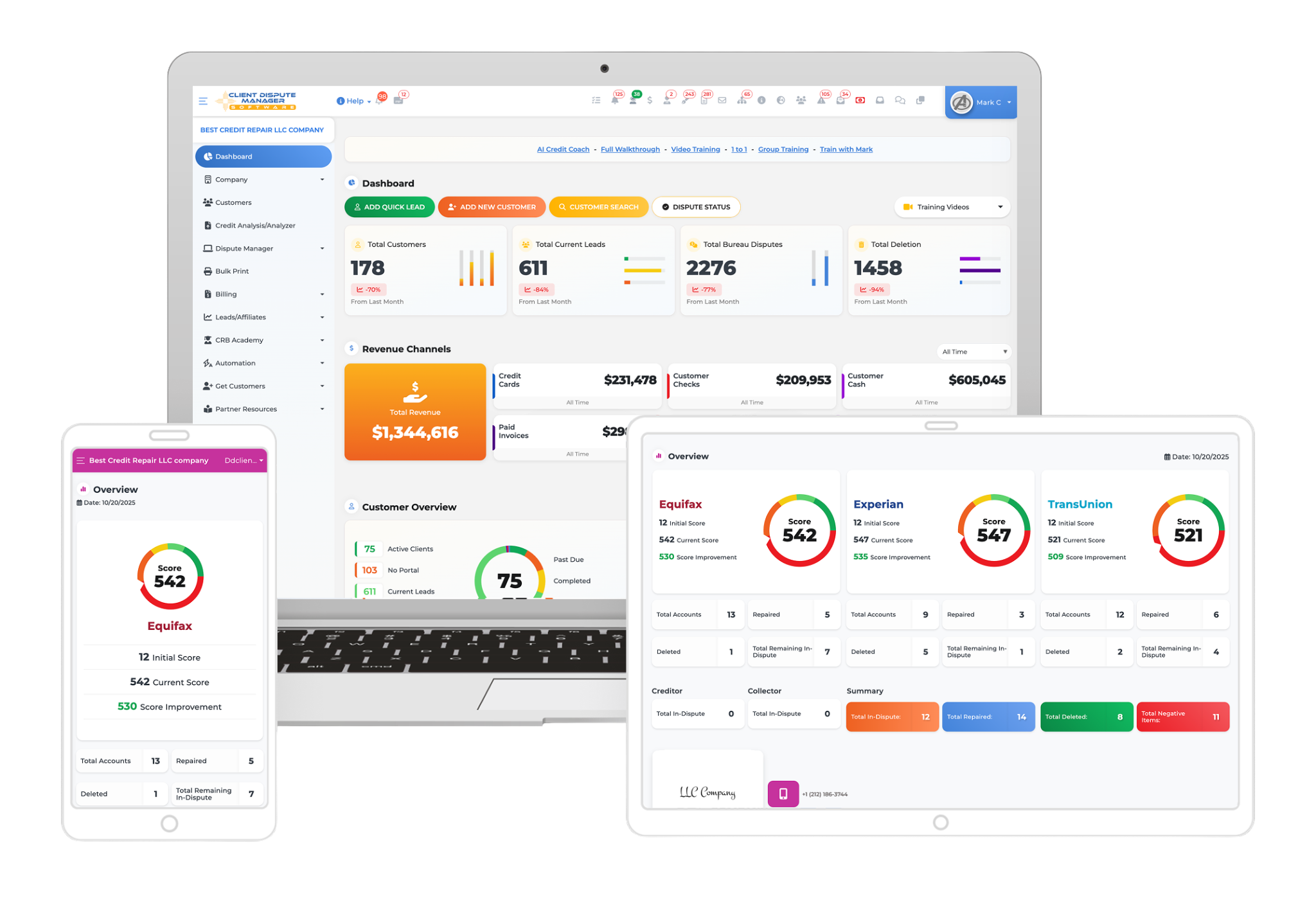
Credit repair software may include its own CRM or connect with an outside CRM through a native connection, an automation service, an API, a webhook, or file import. A useful setup can pass approved lead details, client status changes, tasks, and communication events between systems.
Before connecting tools, decide which system owns each record, limit the data that moves, test duplicate handling, and require human review for disputes and sensitive client decisions.
The wrong setup can create duplicate contacts, conflicting statuses, missed follow-ups, and unnecessary data copies. This guide explains what should move between systems, what needs human review, and what to test.
What Is a Credit Repair CRM?
A credit repair CRM helps you organize leads, clients, follow-ups, notes, tasks, status changes, staff assignments, and communication history. It gives your team one place to see who needs attention and what should happen next.
A general CRM often focuses on sales and customer relationships. Credit repair software may add client onboarding, credit report imports, dispute workflows, documents, letters, responses, and progress records. Some platforms include both sets of tools.
Contact management alone is not enough for a credit repair business. You still need a controlled way to separate client records, store supporting documents, record dispute activity, review correspondence, and track responses. When you choose credit repair software, check both the CRM functions and the credit repair workflow.
Do You Need a Built-In CRM or an Outside CRM?
You may use a built-in CRM, an outside CRM, or both. The right choice depends on how you capture leads, manage sales, onboard clients, assign staff, and communicate. A built-in CRM may be enough when it handles lead capture, follow-up, staff assignments, notes, statuses, and client records. One platform can reduce repeated entry.
An outside CRM may help when you need a specific form builder, campaign process, call system, or sales pipeline. Both can work when each has a defined job. The outside CRM might manage leads, while the credit repair software becomes the main client record. Do not let both edit the same fields without a clear owner.
How Can Credit Repair Software Connect With a CRM?
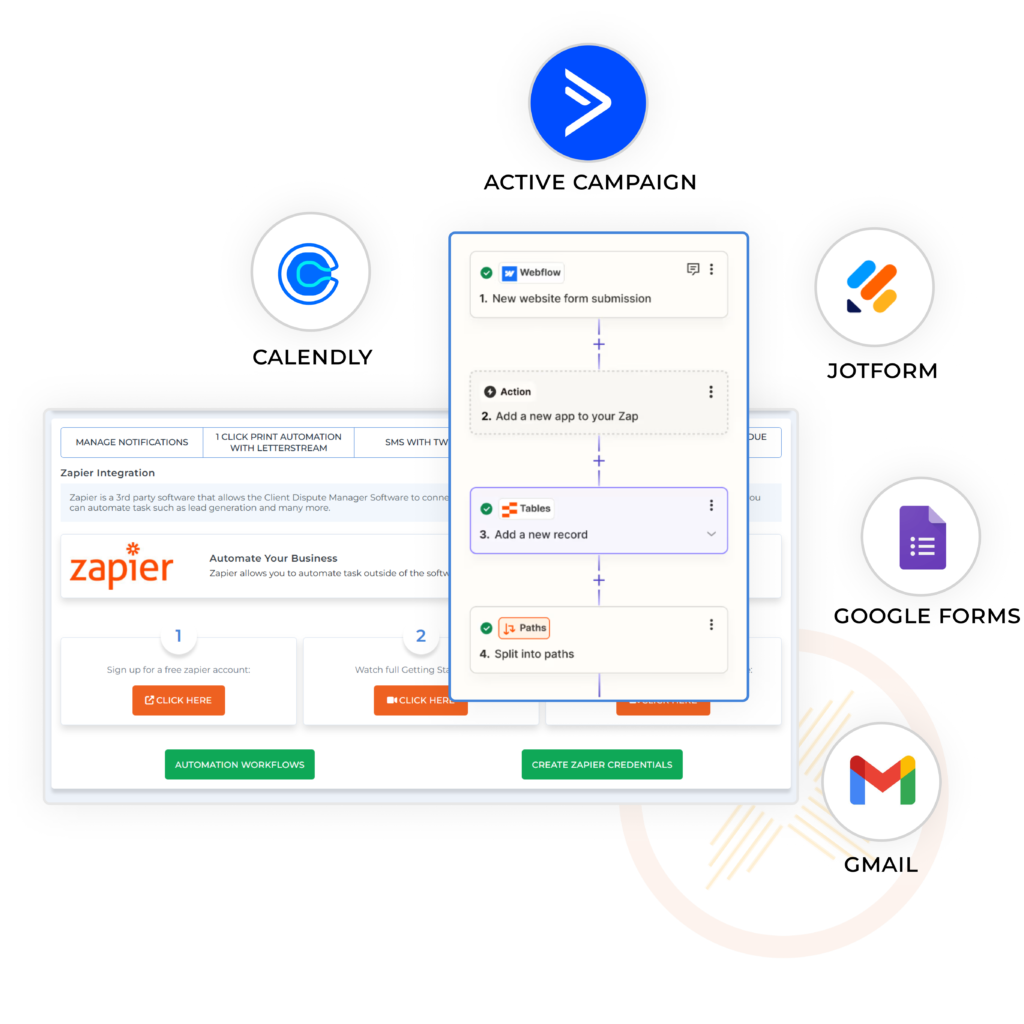
The available method depends on both products. Common connection methods include:
- Native Connection: One provider has built a direct connection to the other product.
- Automation Service: A third-party service passes selected information after a trigger.
- API: Approved software requests or sends information through defined technical rules.
- Webhook: One system sends a notice when a selected event occurs.
- CSV Import and Export: Staff move records in a structured file.
- Manual Entry: A person enters the information when no suitable connection exists.
A trigger starts the process. An action is what happens next. For example, a completed lead form may be the trigger. Creating or updating the contact in the chosen CRM may be the action. Do not assume a connection works both ways. It may create a contact but not update it later. Confirm each trigger, action, field, and direction.
The connection should record failures and show whether part of the process already ran.
What Information Should Move Between the Systems?
Move only required information. Choose one owner for each field.
| Information | Recommended Owner | Transfer Rule |
|---|---|---|
| Lead Contact Details | Chosen lead system | Create or update records without creating duplicates |
| Lead Source and Consent Record | Lead system | Preserve the original source and date |
| Sales Status | CRM | Send only approved status changes |
| Client Record | Credit repair software | Create after approved onboarding |
| Dispute Documents | Credit repair software | Do not copy unless needed |
| Tasks | One selected task system | Avoid competing or duplicate due dates |
| Communication History | Selected record system | Keep enough context for staff review |
Do not send credit reports, identification documents, Social Security numbers, or dispute evidence into a marketing CRM without a defined need and suitable protection. Every copy adds another place to control and delete.
What Should Stay Under Human Review?
A CRM connection can move approved information and create tasks. It should not make factual, legal, or dispute decisions for your business.
Keep people responsible for:
- Confirming identity and consent
- Reviewing possible duplicate records
- Changing a lead into a client
- Reviewing contracts and disclosures
- Deciding whether a dispute is appropriate
- Approving correspondence
- Handling complaints and legal questions
- Reading responses and choosing the next action
Send incomplete or unusual records to a staff member. The related guide explains controlled credit repair automation.
How Do You Protect Client Data Across Connected Systems?

Every connection creates another place where data may be accessed or copied. Limit each transfer. Use individual accounts and appropriate permissions. Review which services can read or change records. Remove unused access, protect exports, and test deletion.
Review each provider’s security information, privacy terms, permissions, and incident process. Test with fictional information. The full credit repair data security guide explains encryption, access controls, activity records, exports, retention, and other controls to review.
How Should You Test a CRM Connection During a Demonstration?
Use fictional information and run the same test for each product you review:
- Submit a sample lead form.
- Confirm where the contact appears.
- Submit the same lead again and check duplicate handling.
- Update the phone number in the system that owns the field.
- Check whether the update reaches the other system.
- Assign the lead to a sample staff account.
- Trigger one approved message or task.
- Stop the connection and inspect the failure record.
- Export the sample contact.
- Delete the sample record and check what remains elsewhere.
How Client Dispute Manager Software Supports CRM Work?
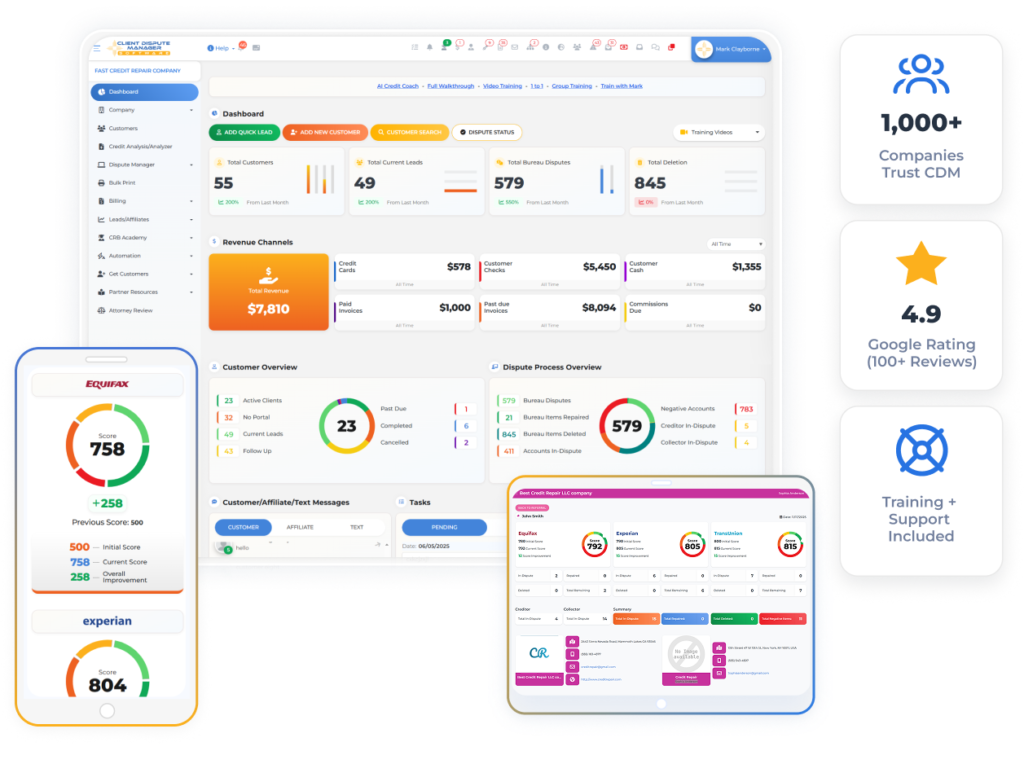
Client Dispute Manager Software includes lead and customer management. Its CRM page describes a customer overview, employee assignments, custom statuses, and flags with notes. CDMS pages state that Zapier connections are available. The FAQ names LetterStream, Twilio, and Zapier as outside services. A third party may offer GoHighLevel setup assistance. Do not call it a native connection without confirmation.
Confirm plan access, setup, outside costs, triggers, actions, direction, and support ownership. Do not promise a specific number of connected apps. Client Dispute Manager currently offers a 30-day free trial with no credit card required. Test the CRM tools and available connections with fictional records before adding real client data.
Start Today and Explore the Features Firsthand!
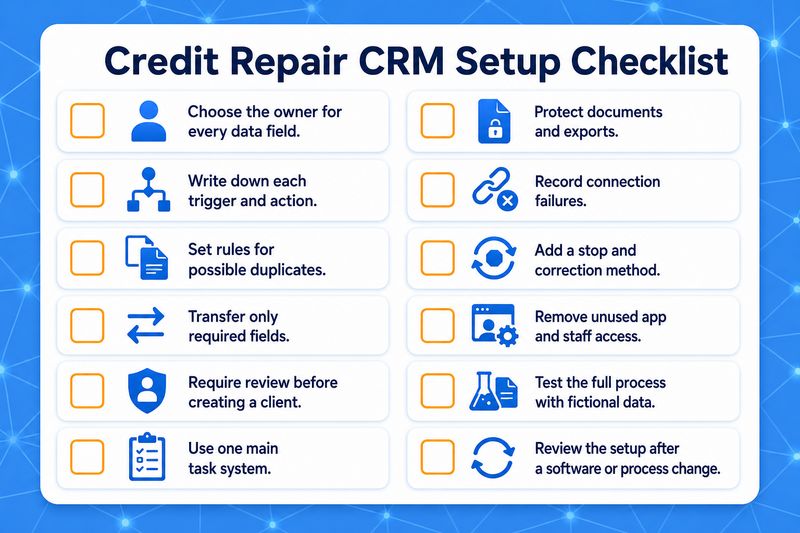
Credit Repair CRM Setup Checklist
Frequently Asked Questions
Is Credit Repair Software the Same as a CRM?
Some credit repair platforms include CRM functions, but the terms are not identical. A general CRM manages leads, follow-ups, sales activity, and customer relationships. Credit repair software may add onboarding, credit-report imports, dispute workflows, documents, correspondence, responses, and progress records. Confirm what the specific platform includes.
Can I Use an Outside CRM With Credit Repair Software?
Yes, when both products support a suitable connection method. Confirm the triggers, actions, fields, transfer direction, duplicate handling, permissions, error records, and support process. Test the connection with fictional information before moving real client data. Do not assume that every feature works in both directions.
What Data Should I Avoid Sending to a Marketing CRM?
Avoid sending credit reports, identification documents, Social Security numbers, dispute evidence, or other sensitive records unless there is a defined business need and suitable protection. Move only the information required for the approved task. Keep dispute documents in the system chosen to manage the client file.
How Do I Prevent Duplicate Leads and Clients?
Choose matching rules based on stable fields such as email address and phone number. Test repeat submissions, missing fields, shared contact details, and corrected information. Require staff review when the systems cannot determine whether two records belong to the same person. Never merge uncertain records automatically.
What Should I Do When a CRM Connection Fails?
Stop any dependent message or task. Review the failure record, correct the data or connection, and confirm whether part of the action already ran before trying again. Document who owns support for each system. Record the correction so staff know what happened and do not repeat the action.
Test One Lead-to-Client Process First
Start with one lead form, one follow-up task, and one approved client handoff. Decide which system owns every field, test duplicates and failures, and inspect the records at both ends. Add another connection only after the first process works as intended.
If Client Dispute Manager Software fits your requirements, use its current 30-day free trial to review the built-in CRM tools, staff assignments, status controls, imports, exports, and available connections. Confirm current plan terms before signup.

Mark Clayborne
Mark Clayborne specializes in credit repair, starting and running credit repair businesses. He's passionate about helping businesses gain freedom from their 9-5 and live the life they really want. You can follow him on YouTube.
Start Today and Explore the Features Firsthand!
Below Is More Content For Your Review: